Hourly Pro
$9.99one-time
60 min$9.99/hr
One hour of live assistant credits. Buy it anytime, as many times as you need.
- 60 live assistant minutes
- Resume or meeting-note context
- One-time purchase, no subscription
Real-time meeting assistant· macOS & Windows
Know what to say, the moment they ask.
It follows the conversation, reads what’s on your screen, and puts the right words in front of you — drawn from your own résumé, projects, and meeting notes, private on your display.
macOS (Apple Silicon + Intel) & Windows · v1.0.0
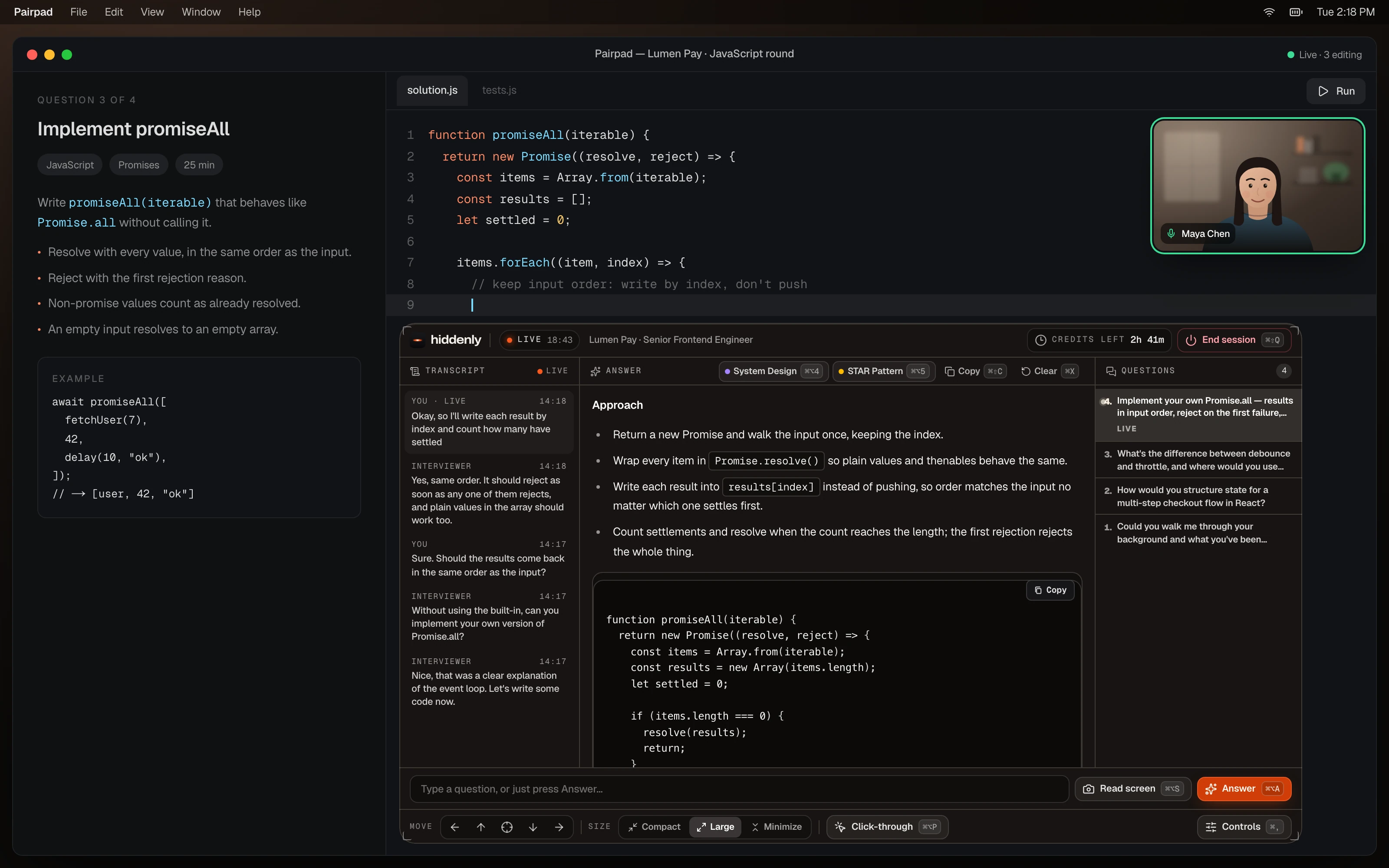
Technical detail — worked out while they talk
Approach, working code, and trade-offs stream in as the question lands. It matches the language already on your screen.
works wherever you meet
01your display
StayConfident sits on your own monitor as a personal cue card while you present. The room sees the polished view you prepared — a clean shared screen, without an extra notes window competing for attention. Drag the slider: same meeting, same second.
A personal cue card
Prompts stay on the display in front of you, so you can glance without flipping to another tab mid-sentence.
A clean shared screen
What you share stays the work you meant to show — the tidy, prepared view — on Zoom, Meet, Teams, and the rest.
Presentable recordings
When you record with OBS, Loom, or QuickTime, the recording stays focused on the meeting content you shared. No browser extension involved.
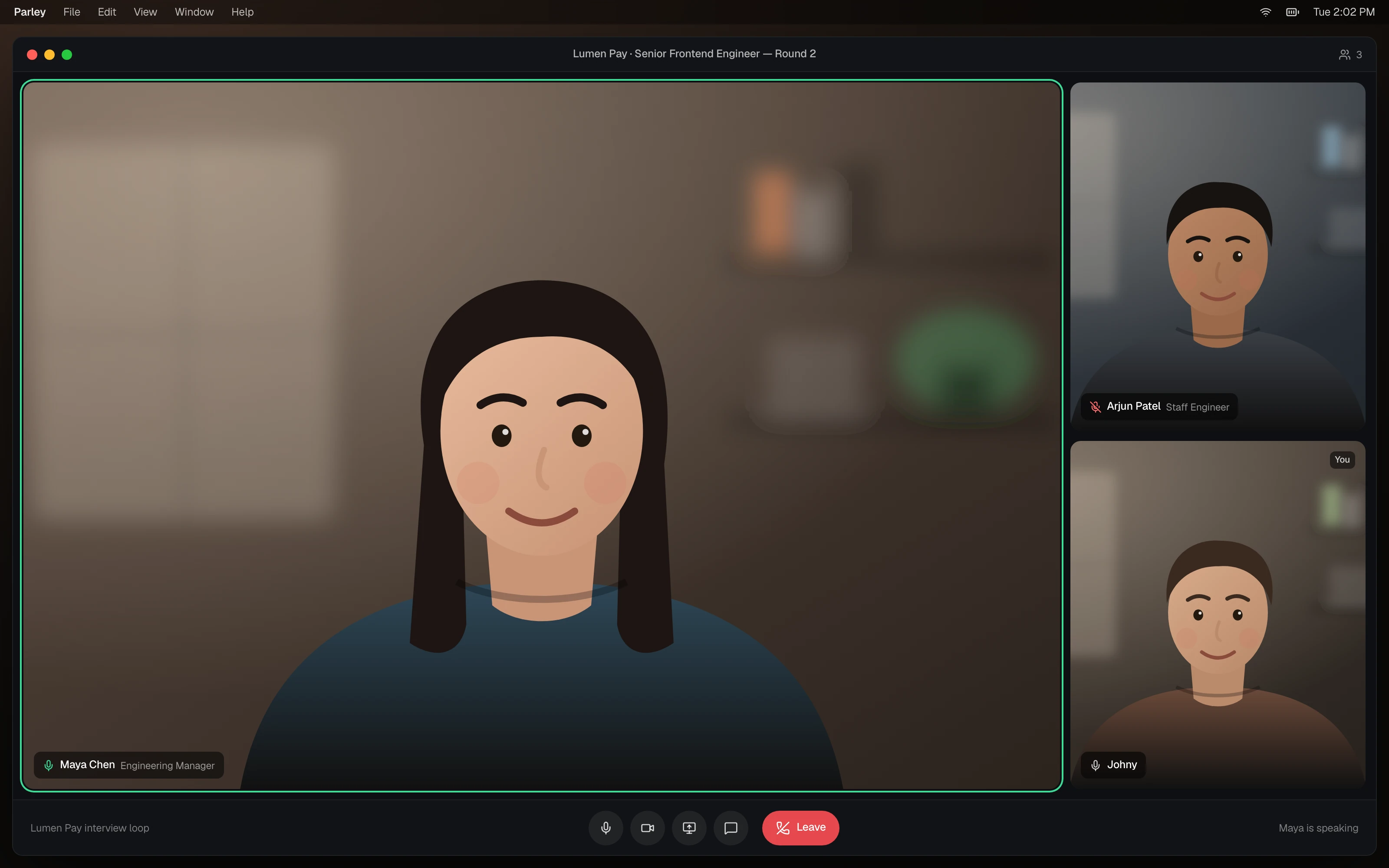
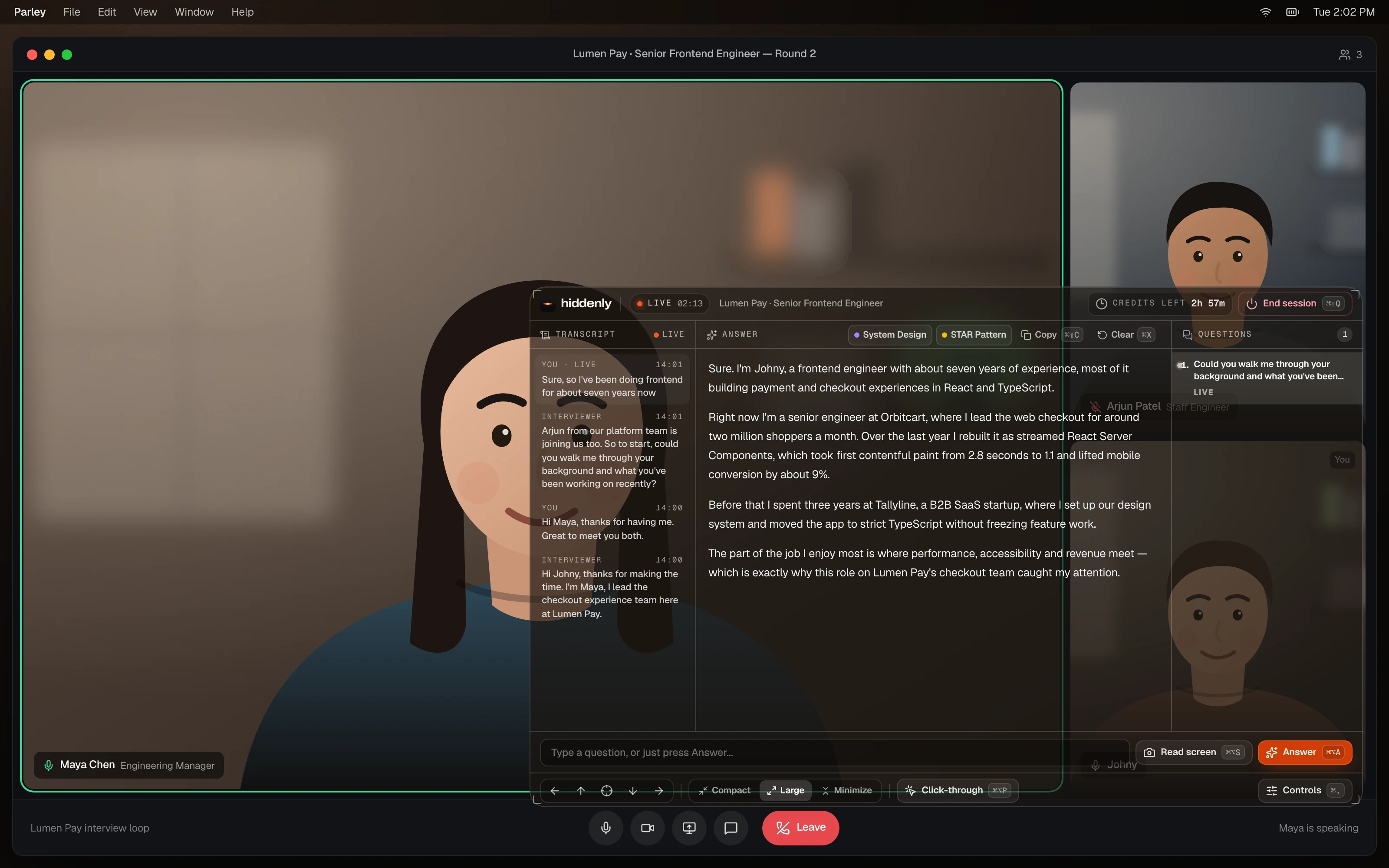
Drag · left is your display · right is the shared view
02what it does
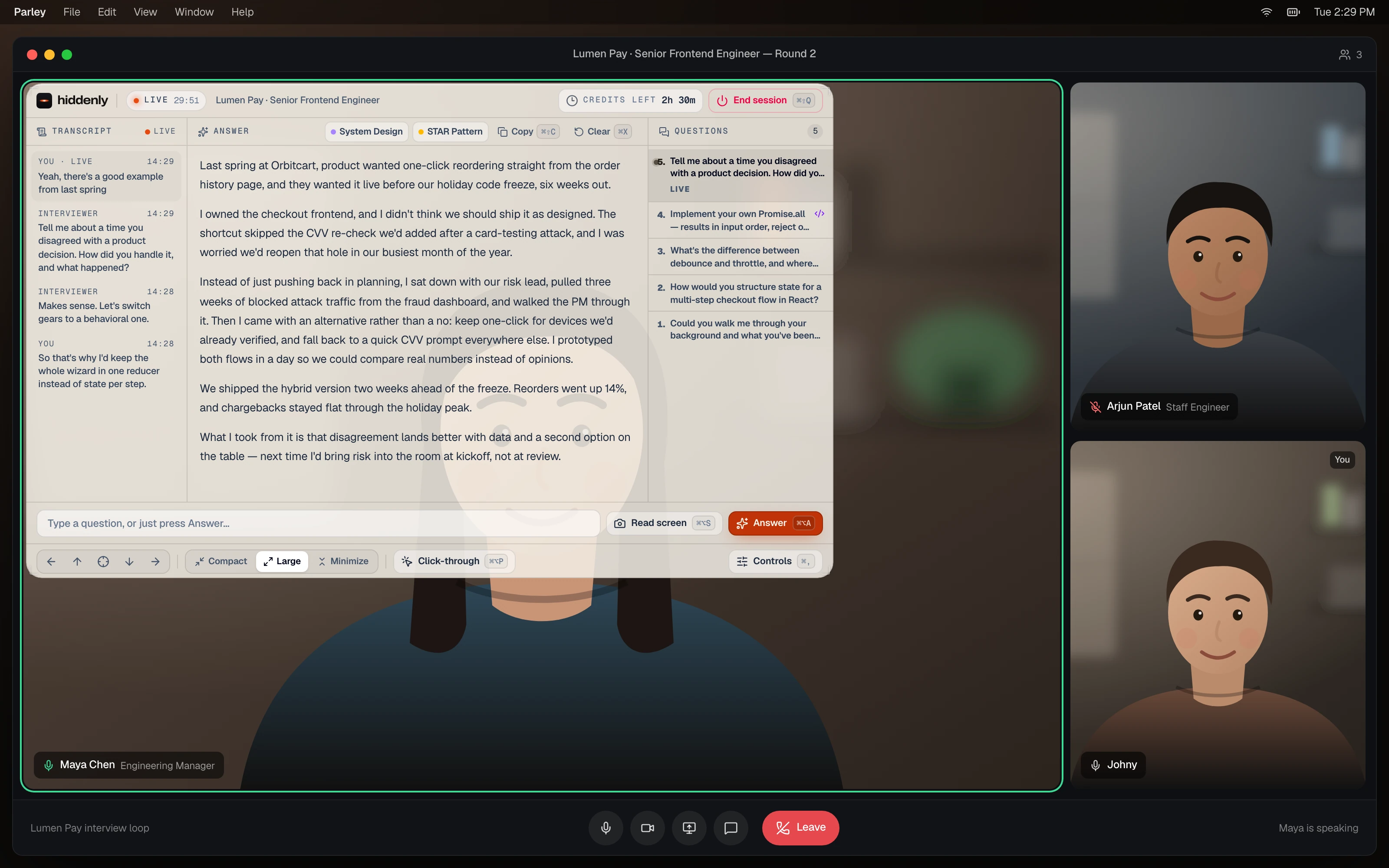
It listens, reads the screen, and remembers your résumé, project info, meeting notes, and more. Shown with the real product — not mockups.
listens live
StayConfident follows the conversation, catches the question that was actually asked, and starts your answer before the pause turns awkward.
reads your screen
When a spec, a doc, or a block of code comes up, one shortcut and StayConfident reads the detail in front of you. Then it drafts the answer while you keep talking.
remembers you
StayConfident holds on to your résumé, project details, meeting notes, and more. Each answer builds on the last — so it sounds like you, not like a generic assistant.
312ms
to your first prompt
4
meeting modes covered
2
desktop platforms
0
subscriptions to cancel
03controls
Put the overlay where you look. Make it smaller when you need the pad. Turn it see-through so clicks go through. Real controls from the real app.


position
Left, right, top, bottom, or center — one click. Stay reading the answer without fighting the window.
move
Snap to an edge or dead center — no hunting for a resize handle while the question is still landing.
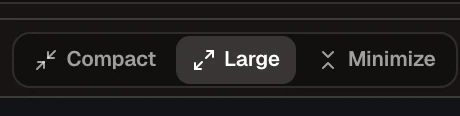
size
Shrink when the pad needs the screen. Expand to read every line. Fold to a listening bar when you only need the shortcut.
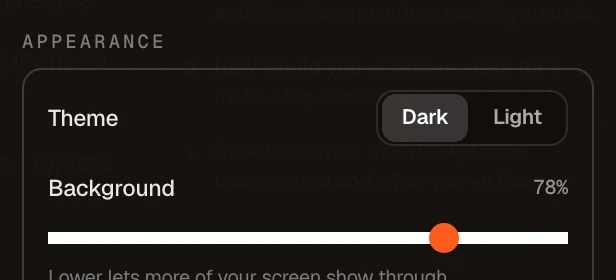
appearance
Match the room. Dial how much of the code underneath shows through — one slider, instant feedback.
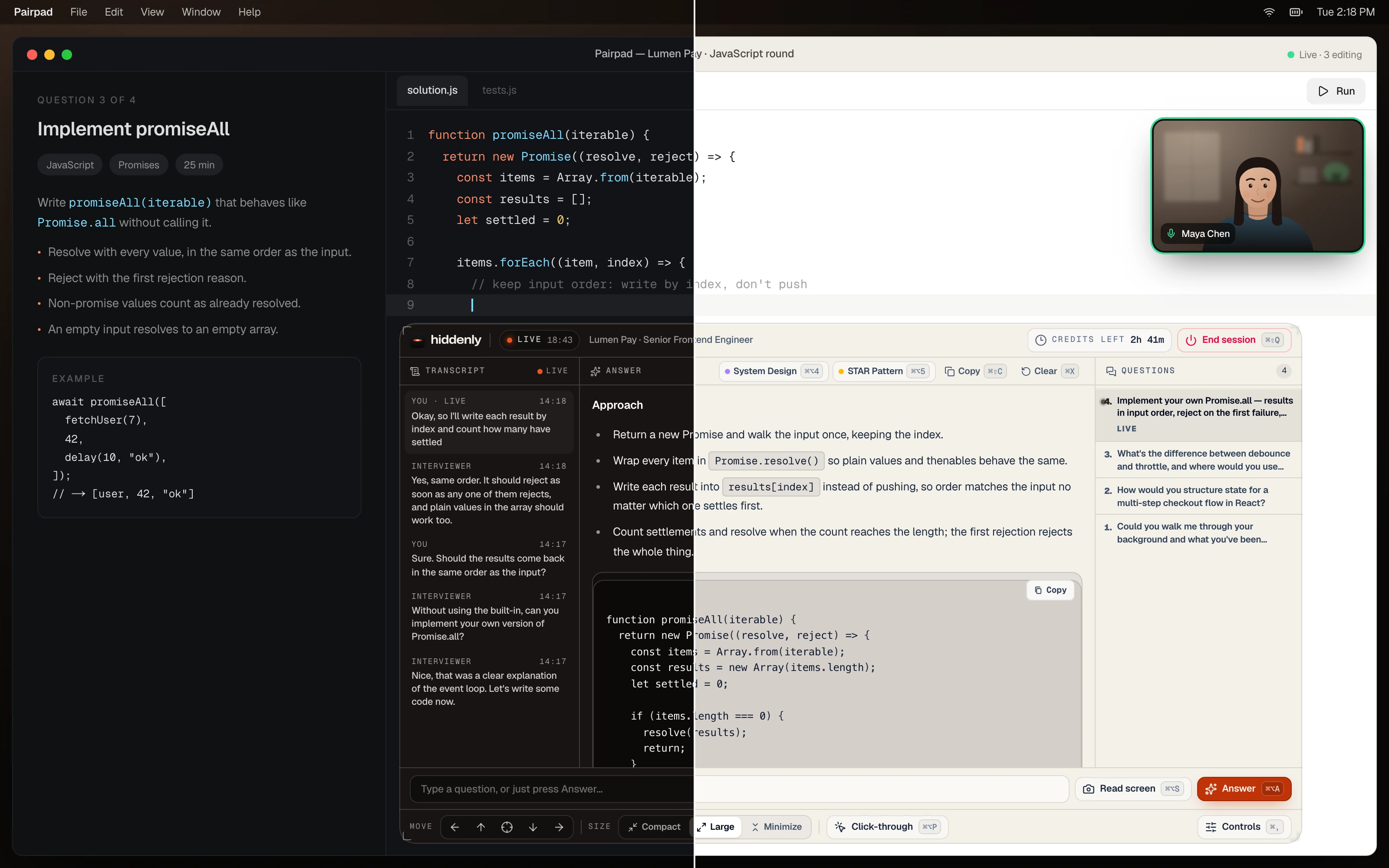
theme
Same shortcuts. Same layout. The whole glass flips to match a bright room or a dim call.

modes
From a thin listening bar to full transcript and code — sized for the second you’re in.
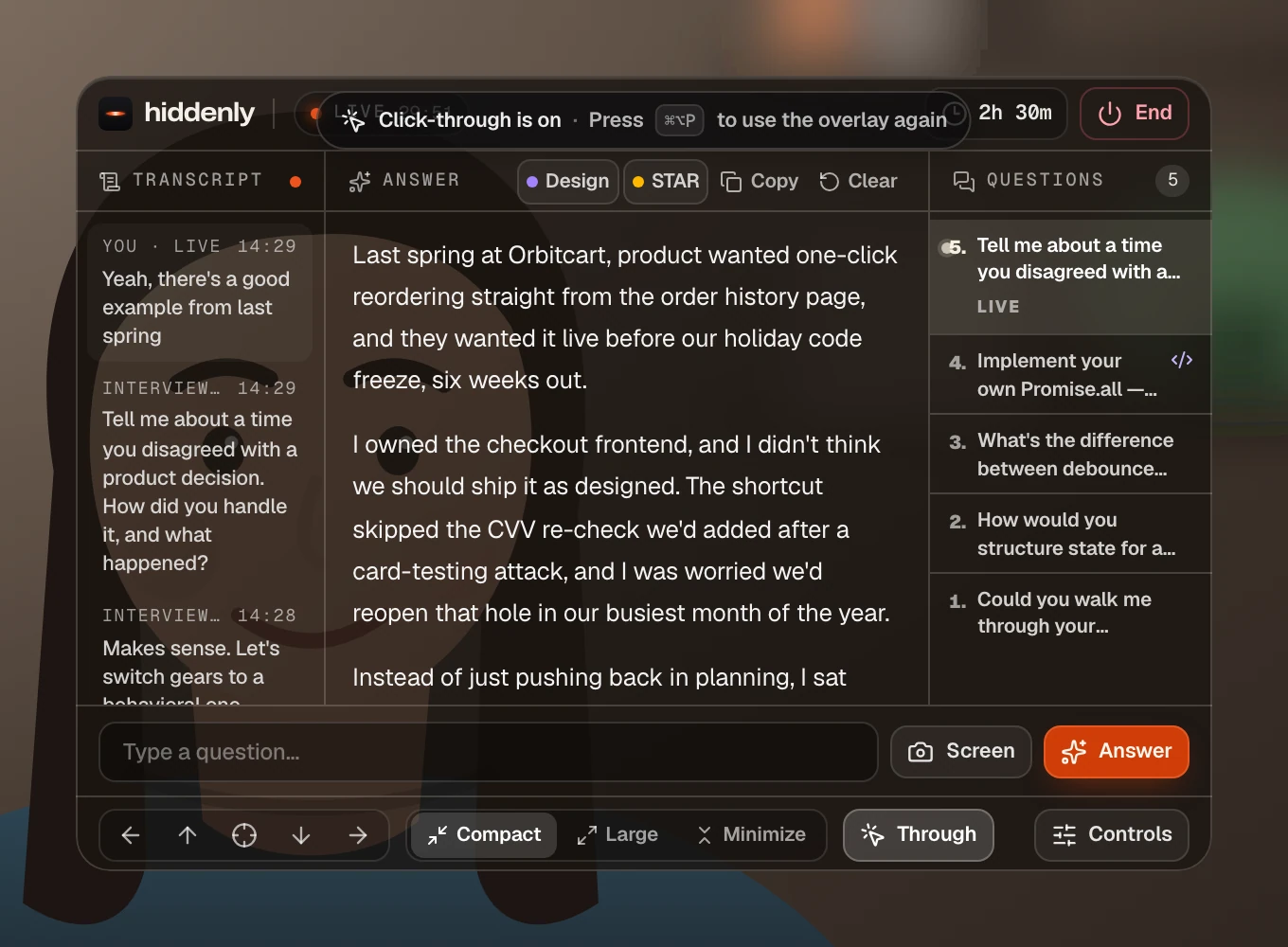

click-through
One shortcut and clicks pass straight through — keep typing in the pad without moving StayConfident an inch.
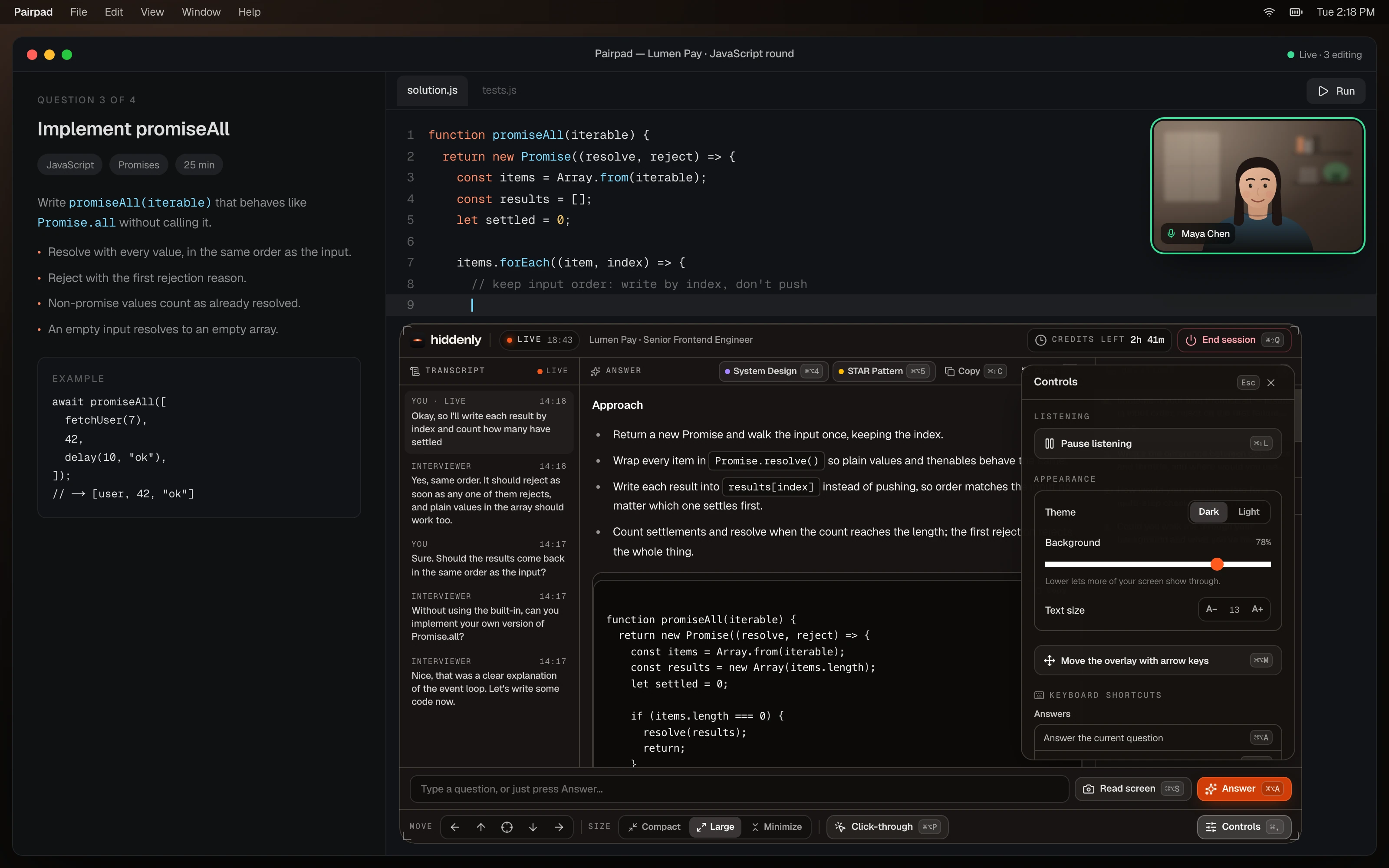
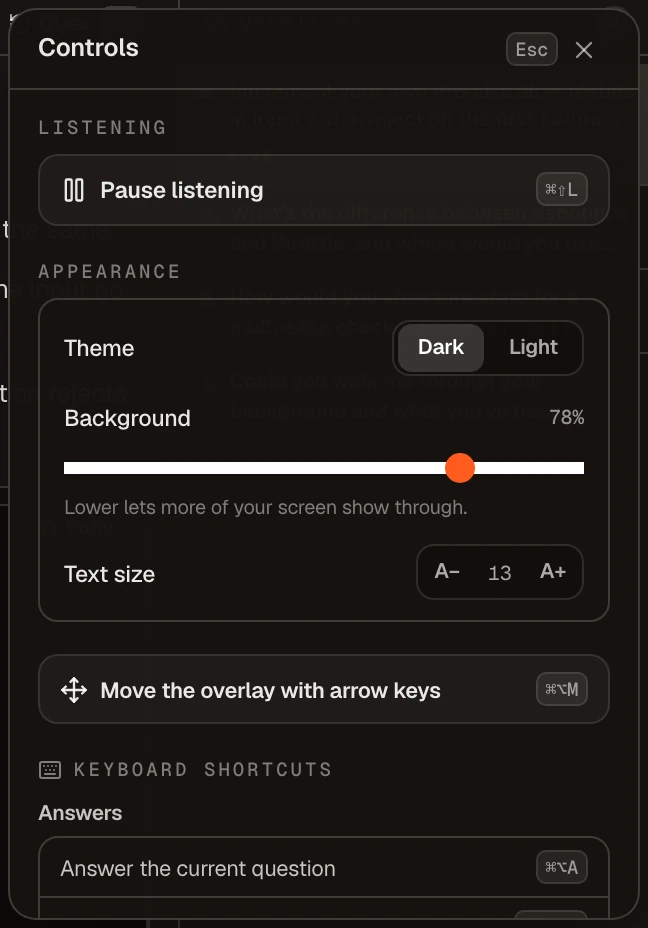
controls
Theme, opacity, text size, shortcuts — spelled out in plain English. No icon-only guesswork mid-meeting.
04why StayConfident
Most meeting AI is a chatbot in another tab, summarising the call once it is already over. StayConfident is a confidence layer — the right words, in front of you, the moment the room turns to you.
It remembers your résumé, project details, and meeting notes, then answers from your actual work instead of a generic prompt. Built for quality, not margins: stronger models, sharper answers, every meeting.
other tools
stayconfident
other tools
A second browser tab you have to alt-tab to mid-sentence.
stayconfident
Sits where you are already looking. No tab juggling, no dead air.
other tools
Cheapest models, tuned for their margins — not for your meeting.
stayconfident
Quality models first. We optimise for the answer, not the bill.
other tools
Generic AI copy that sounds like a blog post read aloud.
stayconfident
Grounded in your résumé, your projects, and your meeting notes.
other tools
Another monthly subscription you forget to cancel.
stayconfident
Buy meeting hours once. They are spent only while you are live.
other tools
A browser extension you hope does not break before the call.
stayconfident
A signed desktop app for macOS and Windows. Nothing injected.
05pricing
Buy hours once. They are spent only while a meeting is actually live. Setup, saved context, and history stay free.
One hour of live assistant credits. Buy it anytime, as many times as you need.
Three hours of live assistant credits at a lower per-hour rate.
Five hours of live assistant credits with the best per-hour value.
It follows the conversation, works out what you were just asked, and puts a suggested answer on your own screen while the meeting is still running. The answer is drawn from the context you loaded — your résumé, project details, and meeting notes — so it sounds like your work, not a generic AI reply.
Real-time meeting assistant
stayconfident
ready before they ask
Signed for macOS & Windows · v1.0.0